One picture in, a stack of cut files out.
StackSVG turns any picture into a layered papercraft shadow box you can actually build. It plans a stack of whole cardstock sheets and cuts windows in each one; the picture appears as the colors of deeper sheets showing through the openings above. You cut, you glue front to back, and the image stands in real physical depth.
Buildable by construction
Every sheet is one whole piece at the full frame size, the cuts nest going down the stack, and the bottom sheet is solid backing. Nothing is ever loose confetti unless you choose to float it.
Machine-ready at real size
SVG export stamped in millimeters or inches, and Pro adds a millimeter DXF for every sheet. Tab widths floor at 1.2 mm and the smallest detail is set in real square millimeters, so the files respect your blade and your paper.
Private by architecture
Your image never uploads. The engine runs in a Web Worker on your own machine, so every cut path is computed right in the browser.
Nothing here is a mockup.
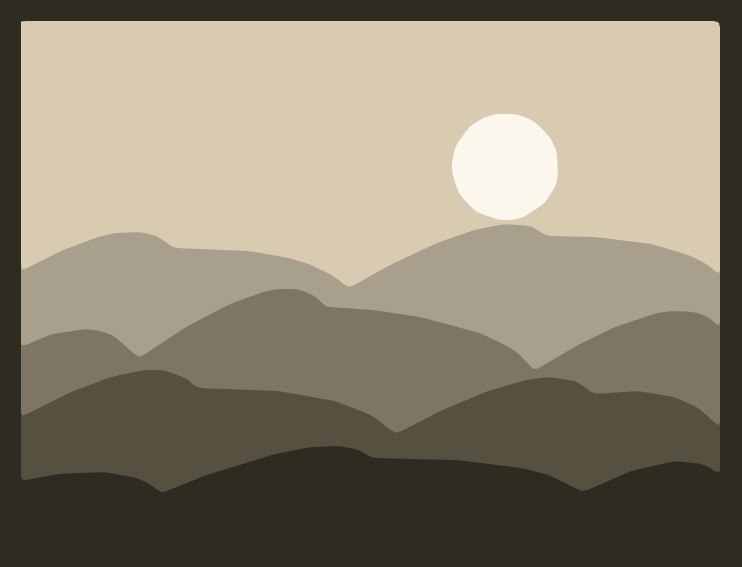
Each panel below is the engine's own assembled output, drawn from the same cut paths you would download. The inset is the source image; the panel is the glued stack.
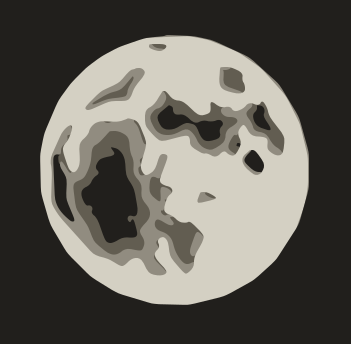
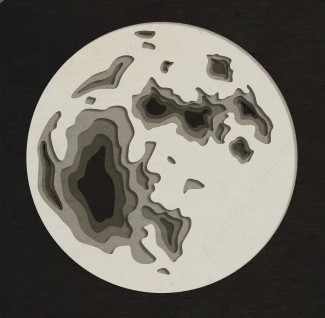 source
A night-sky cover sheet with one disc window; crater floors cut through to the dark base.
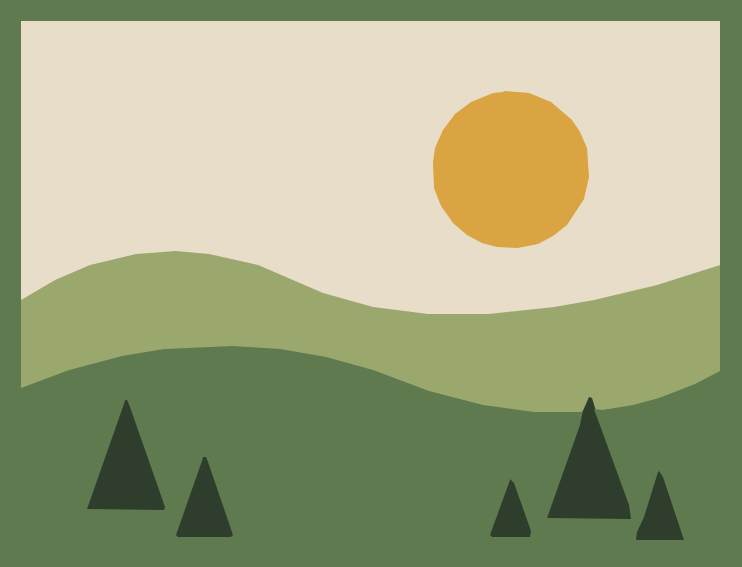
 source
Enclosure decides the depth; the sun and trees cut through and reveal their colors from below.
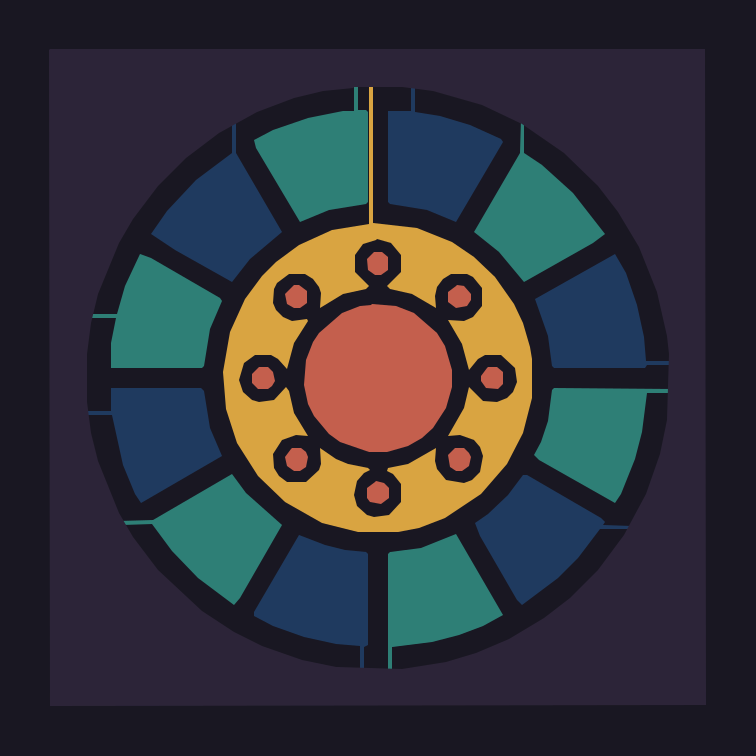
 source
The dark leading sits on top and keeps every deeper sheet one connected piece.
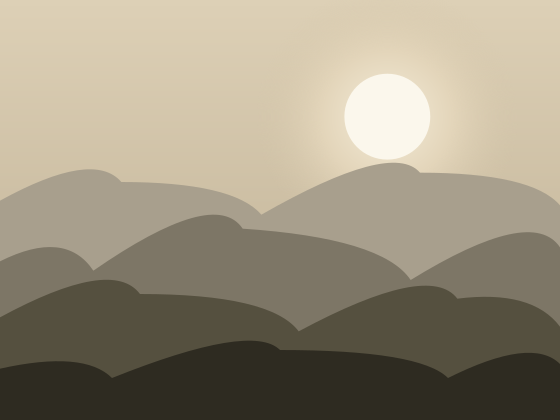 source
Smooth gradients band into nested contour rings that step down into the stack.
Four steps from photo to finished stack.
- 01
Upload a picture
Any photo or design. It never leaves your machine.
- 02
Pick a style
Shadow box, Stained glass, Relief, Photo of art, or Auto. Set the finished width in millimeters or inches, and drag any color deeper or prouder.
- 03
Download cut files
One SVG per sheet, stamped at real size, plus the whole stack as a zip. Pro exports add a DXF for every sheet.
- 04
Cut and glue
Cut each sheet, stack them front to back, and the picture carries real depth. The solid base closes the box.
Cuts on whatever you already own.
Cricut
Layered SVG opens straight in Design Space, one sheet per layer.
Silhouette
SVG and DXF both load in Silhouette Studio at real size.
Glowforge
Closed-path SVG, ready to place on the bed and cut.
Any laser
Millimeter DXF for LightBurn and every CAD suite.
Layered SVG and millimeter DXF are plain open formats; if your software reads either one, it reads these files.
Your photos stay in your browser.
There is no upload step and no server queue; the whole engine runs in a Web Worker on your own machine. A family photo you would not post anywhere can still become a shadow box, because it never travels.
Free to try on your own machine.
Build and preview at no cost, and take one watermarked file to test your cutter. Pro is $9 a month or $69 a year for unlimited clean exports with no watermark.